polyglot-studio · live preview
EN → ZH · local
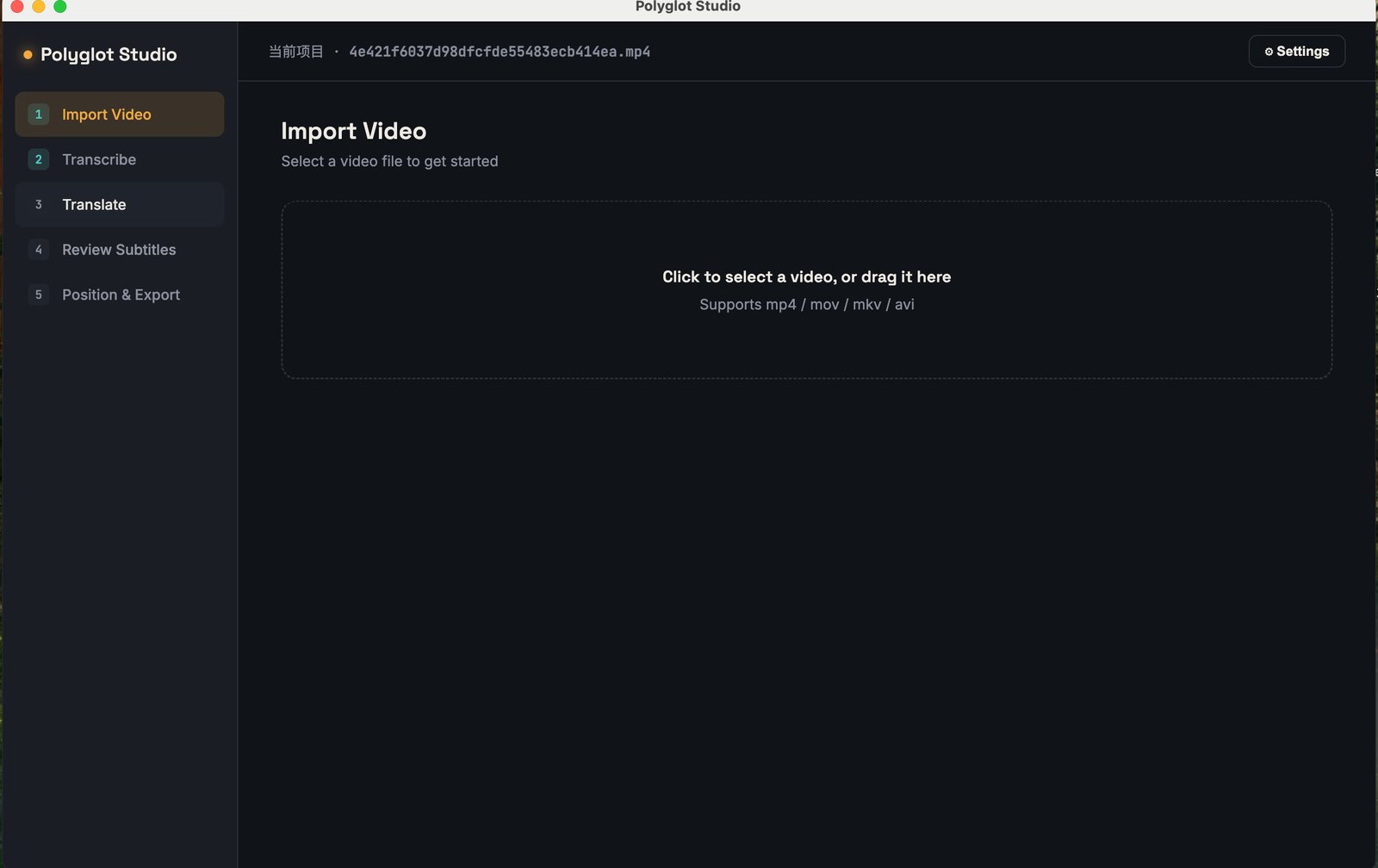
Drag in a local video file — mp4, mov, mkv, or avi. These are real screenshots, not mockups.
Automatic bilingual subtitles, processed locally on your own computer — no cloud video uploads, no per-minute fees. Translate using your own DeepL/Google/Azure key, or the built-in free offline engine.
Drag in a local video file — mp4, mov, mkv, or avi. These are real screenshots, not mockups.
Your videos never leave your computer. Transcription and rendering happen entirely on-device — no cloud upload, no privacy tradeoffs.
Original and translated text, stacked cleanly in one caption block — not two competing subtitle layers fighting for space.
No subscription treadmill. Buy a license, use it on your own hardware for as long as you like.
A license activation is required to use the app on your device.